What can AI actually automate in your business?
Six functions, in most owner-run operations. Quoting and the follow-up nobody has time for. Order operations and reconciliation. Production files. The routine customer questions. Reporting. The phone. We audit how you run, automate the parts eating your week, and then we operate them — so your hours go back to the work only you can do.
Not everything on that list should be automated, and we will say so. Anything about money, a refund, or a dispute goes to a person, every time, by design.
July 2026, in one shop: 4,075 orders on the board, 2,344 customer emails sent, 332 pillars nested into 47 cut sheets, 262 calls answered, seven jobs a night.
Organized by the work, not by the software
Every one of these is running in production today. We do not hand you an industry template — we audit your operation and build around the systems and the order of work you already have, which is why the list below is functions and not features.
For each one: what sets it off, what runs, and what still needs you.
A quote request lands.
Quoting and follow-up
We draft the quote from your own pricing and your own history, and it goes out the same hour instead of the next slow Tuesday. The ones that go quiet get chased on the cadence you set, until they answer or you call it.
You still decide: the number, and any discount. Nothing on this page prices your work for you.
Orders land in three places at once.
Order operations and reconciliation
Overnight, every order from every storefront is pulled, deduped, and merged into one board — tagged, staged, and in the order it will actually be worked. Nobody retypes anything, and there is no second spreadsheet to keep honest.
You still decide: what happens to the ones that do not match. Those surface as exceptions in front of a person instead of being guessed at.
3,990 orders reconciled for one shop across the engagement so far.
An order is confirmed.
Production file preparation
The cut-ready file is generated from the order itself, checked against the spec, and nested onto stock for yield. Ten to fifteen minutes of hand-drafting per file becomes hundreds of files in seconds.
You still decide: every file. A person approves it before steel moves.
July 2026: 332 pillars nested into 47 cut sheets across 18 production runs.
A customer asks at 11pm.
Customer service
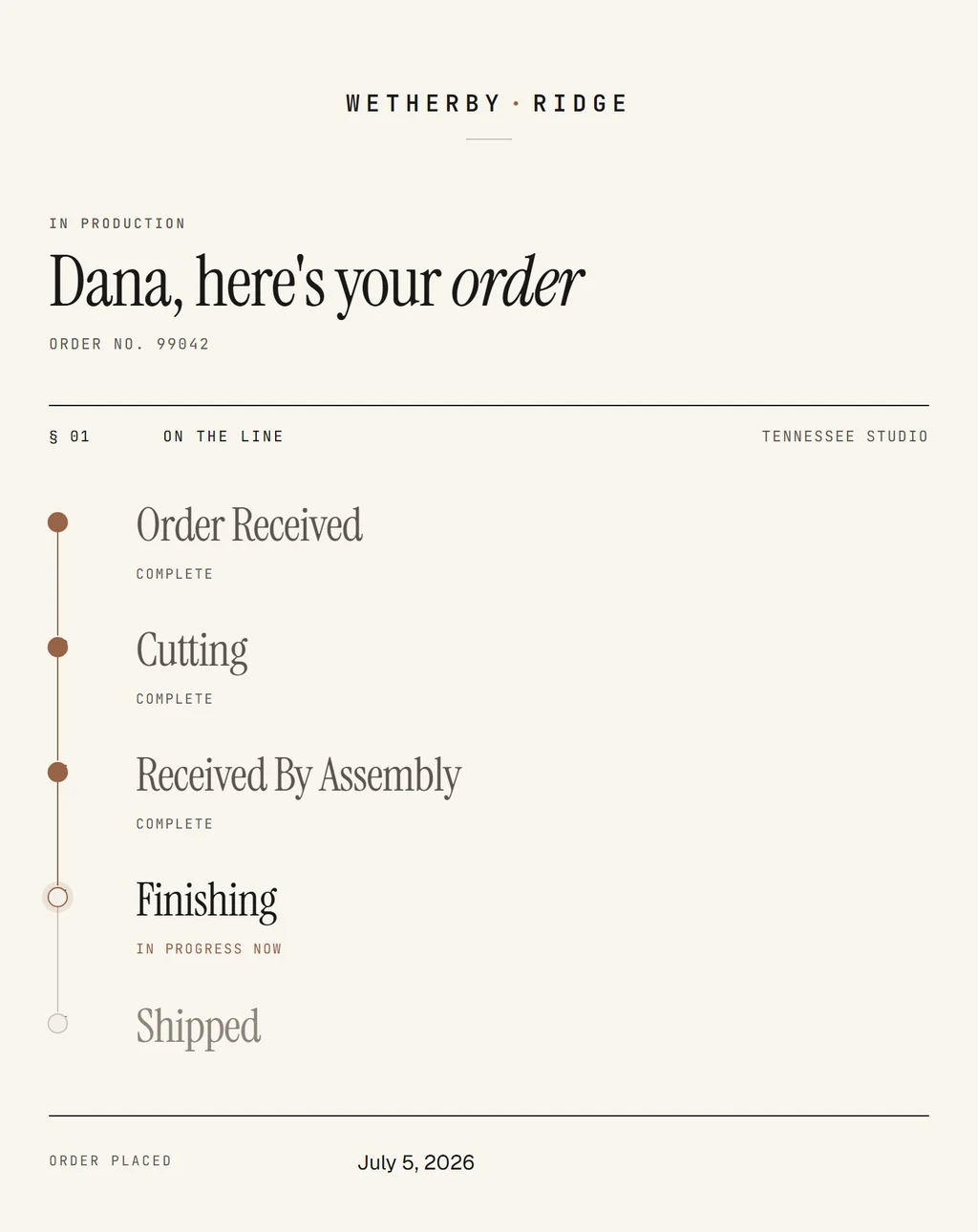
The routine questions — where is my order, when does it ship, what did I order — are answered with the real status pulled off the live board, in your shop's voice, without waking anyone up.
You still decide: anything about money, a refund, or a dispute. Those are never auto-answered — they route to a person, every time.
July 2026: 2,344 emails to 1,028 customers, 2,022 of them automatic status updates, 97.2% delivered.
The week closes.
Reporting
The numbers are pulled from the systems that hold them, reconciled against each other, and assembled into a read that arrives on its own — the board, the money, the exceptions, on whatever schedule you pick.
You still decide: what the numbers mean and what you do about them. A report is a read, not a ruling.
July 2026: seven scheduled jobs a night, finished before the shop opened.
The phone rings mid-shift.
A phone line that answers
The caller hears their real order status instead of a menu that goes nowhere. Anything the line cannot answer becomes a transcribed voicemail in a callback queue with the order already attached.
You still decide: the callback. And a caller asking about money gets a person, not the line.
July 2026: 262 calls handled from 183 callers, 91 voicemails routed.
The six run off one record
None of this holds together as six disconnected scripts. Underneath is one record of how your business runs — the accounts, the orders, the decisions, and the rules nobody ever wrote down — that every job reads from and writes back to. It carries permissions, so the people who should see a number see it and the rest do not.
That is why the reporting can be trusted and why the phone line knows what the board knows. The answers come from your operation, not from the internet.
We work inside the tools you already run
The storefront, the books, the inbox, the calendar, the spreadsheet the whole shop lives in — we read from them and we write back to them, so work moves between them without anyone retyping it. Nothing gets ripped out, and your team keeps opening the same tabs it opened last week.
If a job needs a system we have not worked in yet, you hear that during the audit, before you have bought anything.
- Google Sheets
- Gmail
- Google Calendar
- Slack
- Notion
- QuickBooks
- Monday.com
- Dropbox
- Shopify
- BigCommerce
- Stripe
- Klaviyo
- Twilio
- Meta Ads
Most of this is not an agent
Nearly everything above is a fixed automation: one job, the same way every time, deciding nothing. Exactly one of the six drafts anything at all — the customer answers — and it works inside a line we draw with you before it goes live. Which rung a piece of work belongs on is the first thing we tell you, and it is usually the boring one.
Automating it is the start, not the delivery
We do not build this and hand you the keys. We run it, watch it, and fix what breaks — and every correction you give us goes back into the build, so the next run comes out cleaner than the last. When a job fails at 2am you call a shop in Nashville. Nobody on your team becomes the person who maintains it.
Across the engagement so far, that shop has 500+ hrs of skilled labor back and 2,200+ production files it never drafted by hand.
Where this turns into an engagement
This page is the category answer: what can be automated at all. The offerings sit one level down — what we build, who each one is for, and what comes with it.
Order operations and production files live under E-commerce. Quoting, follow-up and the customer answers live under Smart email & text. The phone line and the trackers your team opens every day sit under Custom apps.
What owners ask before any of this starts
- What can AI actually automate in a small business?
- In most owner-run operations, six functions: quoting and follow-up, order operations and reconciliation, production-file preparation, routine customer questions, reporting, and the phone line. The common thread is that each one is high-volume, rule-shaped, and already costing somebody hours every week — not that any of it is clever. Judgment work, pricing, and anything touching money stay with a person.
- What should not be automated?
- Anything where being wrong costs money or trust. A refund, a chargeback, a dispute, or a delivery promise is never auto-answered; software does not set a price or approve a discount; and a production file does not reach a machine until a person has approved it. Those route to a human by design, not because the software could not draft them.
- Do I have to replace the software I already run?
- No. Automation is built around the systems you already pay for — the storefront, the accounting, the CRM, the spreadsheets — and connects them so work moves between them without anyone retyping it. Replacing a working system is the most expensive way to automate anything, and it is almost never the first thing that needs doing.
- How do you decide what to automate first?
- We audit the operation and rank the gaps by hours returned per week against what each one costs to build, then start with the single job costing the most and changing the least. That first build is usually unglamorous — an overnight sync, a reconciliation, a batch of files — because the boring, high-volume work is where the hours actually are.
Tell us what is eating your week
Discovery is free. Name the one job costing you the most hours and we will tell you whether it can be automated, what it would take, and whether it is worth doing at all.
Start your intake