4,041 pieces of gear, one sticker each, full history on a phone scan.
At Middle Tennessee State University's recording program, a microphone's serial, cost, and repair history meant hunting the right row across repeated FileMaker exports. Now a staffer scans the sticker and reads it on a phone: a decade of tangled inventory cleaned, all 4,041 items coded, the scanner built behind it.
One record per item, a scan away
A unique printable code on every piece of gear, and a phone that turns a scan into the item's full history.
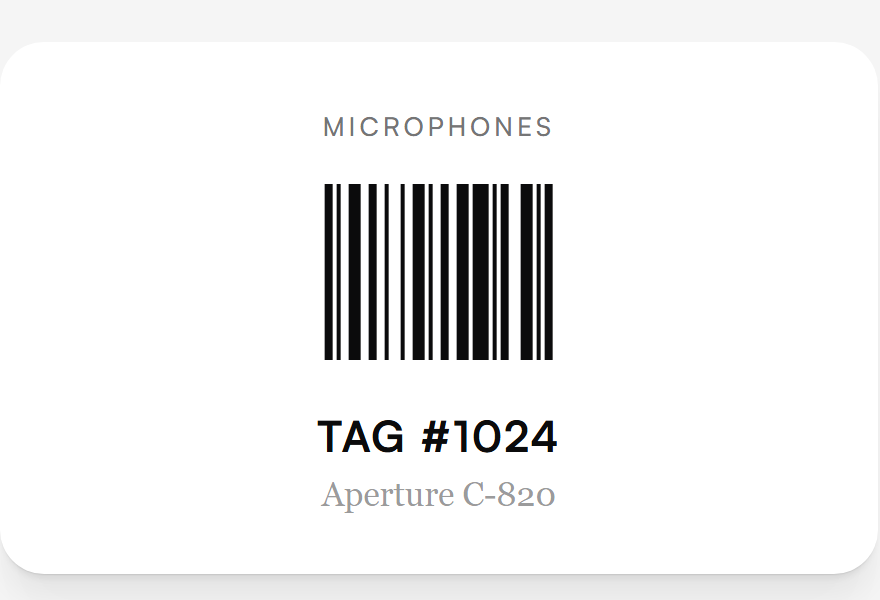
A unique code on every one of 4,041 items
Every item carries its own printable Code-128 label, so a piece of gear identifies itself instead of being matched to a spreadsheet row by hand.
What changedStaff stopped hunting for the right row; the tag is the lookup.
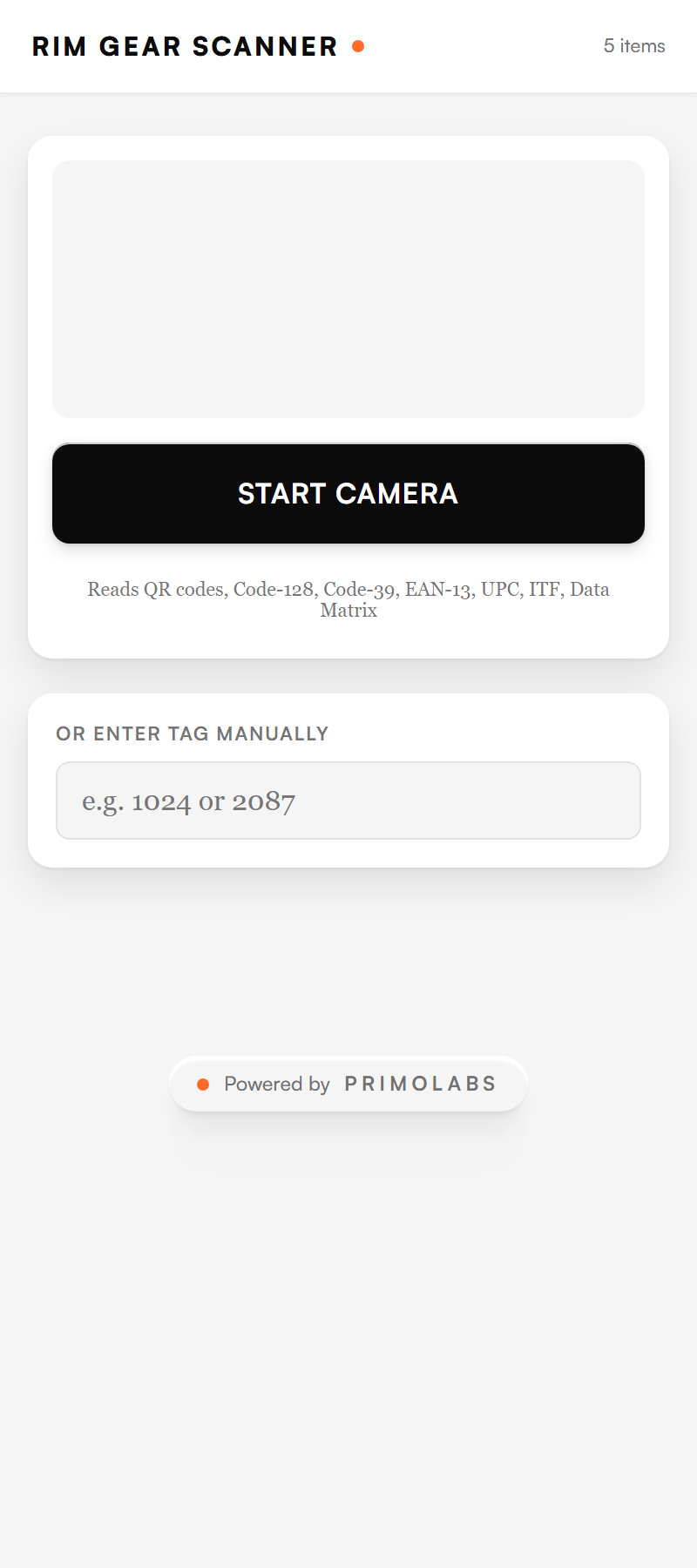
A phone is the scanner
No dedicated barcode gun. A staffer opens the app, points a phone camera at the tag, or types it, and the scanner reads Code-128, QR, and the rest.
What changedChecking gear takes the phone in a pocket, not new hardware.
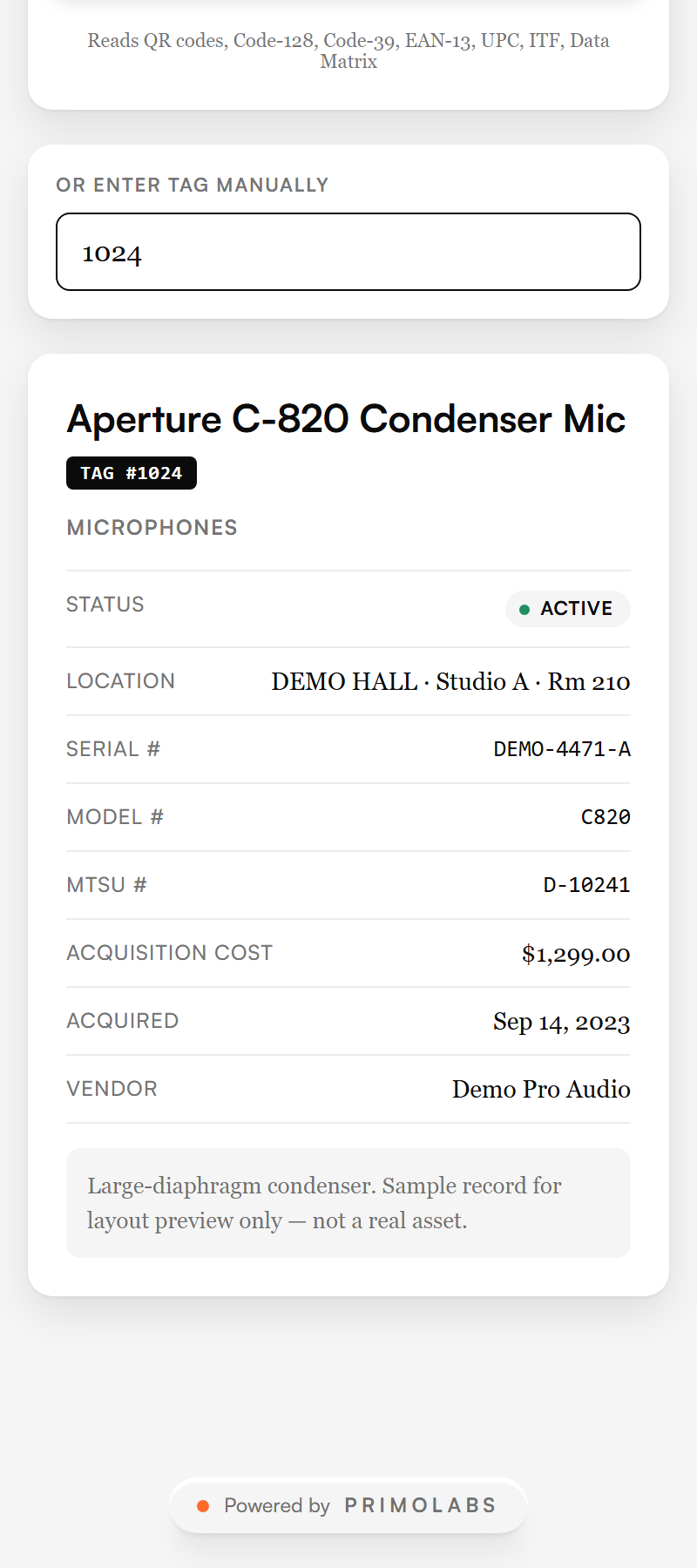
Scan a tag, get the whole record
One scan returns the item's maker, model, serial, location, acquisition cost, and full service history, in seconds.
- One record holds everything, so no one reconciles a serial in one export against a cost in another.
- When recorded repair spend passes half an item's purchase price, the record flags it, so repair-or-replace is a decision staff can see.
What changedA lookup returns one trustworthy record instead of several conflicting rows.
How the record stays trustworthy
A scanner is only as good as the data under it. The rebuild put the integrity in the record itself, not in whoever remembered the spreadsheet.
- Item records were split from audit history and reduced to one row per tag, so a lookup can only return a single, unambiguous record.
- The cleaned workbook was mirrored into a database rather than left as another spreadsheet to drift out of sync.
- Repair spend is tracked against purchase cost, so the replace-or-repair line is a number on the record, not a memory.
What the cleanup produced
Reconciled records brought equipment lookup and service history into one place.
- All 4,041 devices were tagged and reconciled into a shared record from the old FileMaker exports.
- A lookup now returns one trustworthy record instead of several conflicting spreadsheet rows.
- Service history and repair cost live against the item, so a phone scan surfaces them in seconds.
What the approach changed
We made the inventory the program already had easy to reconcile and reach from a phone. The cleaned records carried both the lookup and the service history. The useful step was making existing information trustworthy and findable, not stacking a new system on top of a mess.
